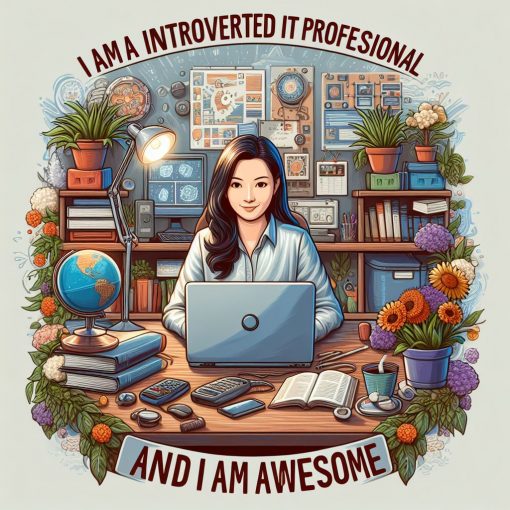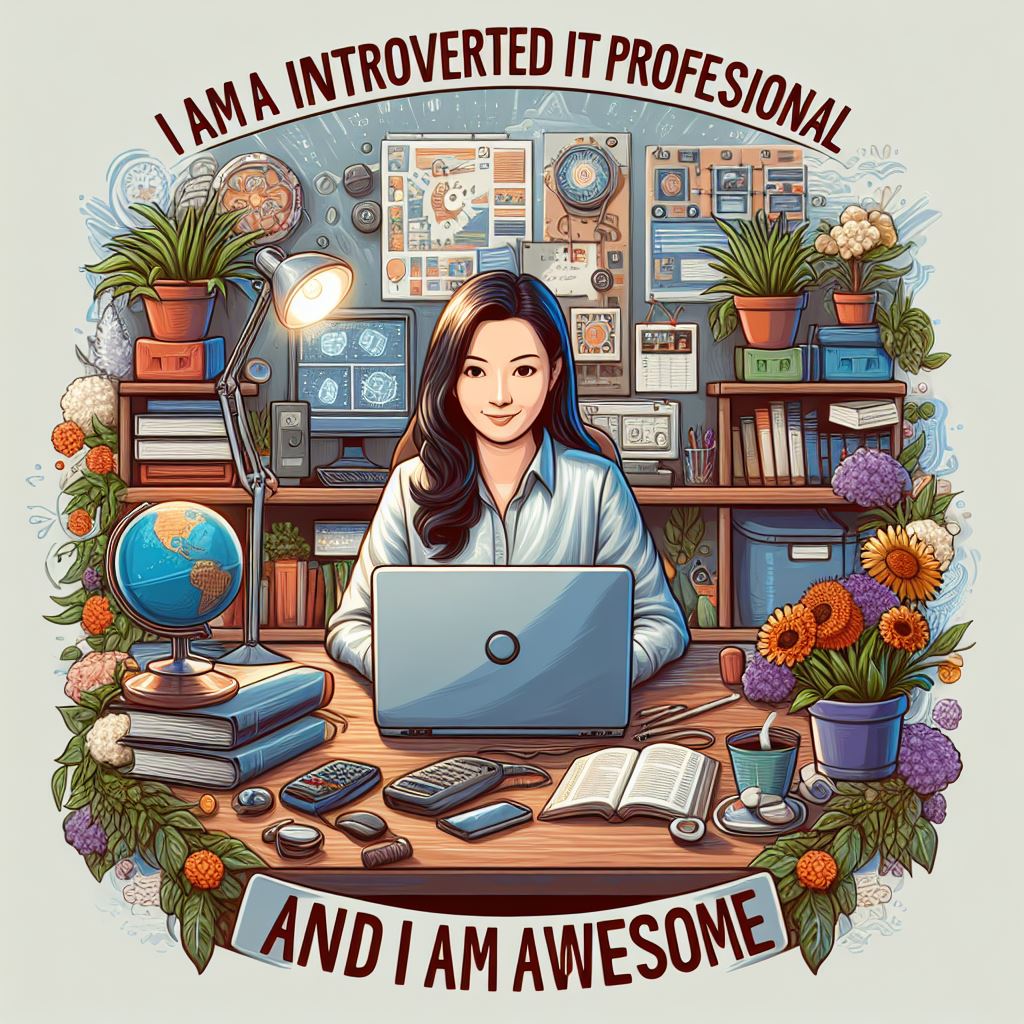
In August of 2024, I wrote a blog post titled Why can’t Ai\I image generators spell? Here we are, less than 2 years later and AI image generators can finally spell! But not only that, you can edit the text in your image.
Halleluiah!
Let me show you how this is done.
- Open up https://m365.cloud.microsoft/ This is the home of M365 Copilot.
- Click on Create
- Enter a prompt to generate an image
So far, this is pretty standard stuff of how to generate an image. Now for the magic
However over or click on the image. Notice that Edit text button that appears. Click it.

You see a message pop-up that it is extracting Text from the image. The text in your image will then before a text box that you can type in.

BAM!!!

Oh man, this a much needed update. Enjoy it! And sign up for our continuing education class and newsletters for M365 Admin and Security pros too.